Social
Follow the athletes you train with.
Read the finished workouts of the athletes you follow. You choose who follows you and how much of your training they see. Nothing is shared until you turn on your public profile.
Followers and following
With your public profile on, other athletes can find you by your handle and ask to follow you. New followers ask first, and you accept or refuse each request. You can also let athletes follow you without asking.
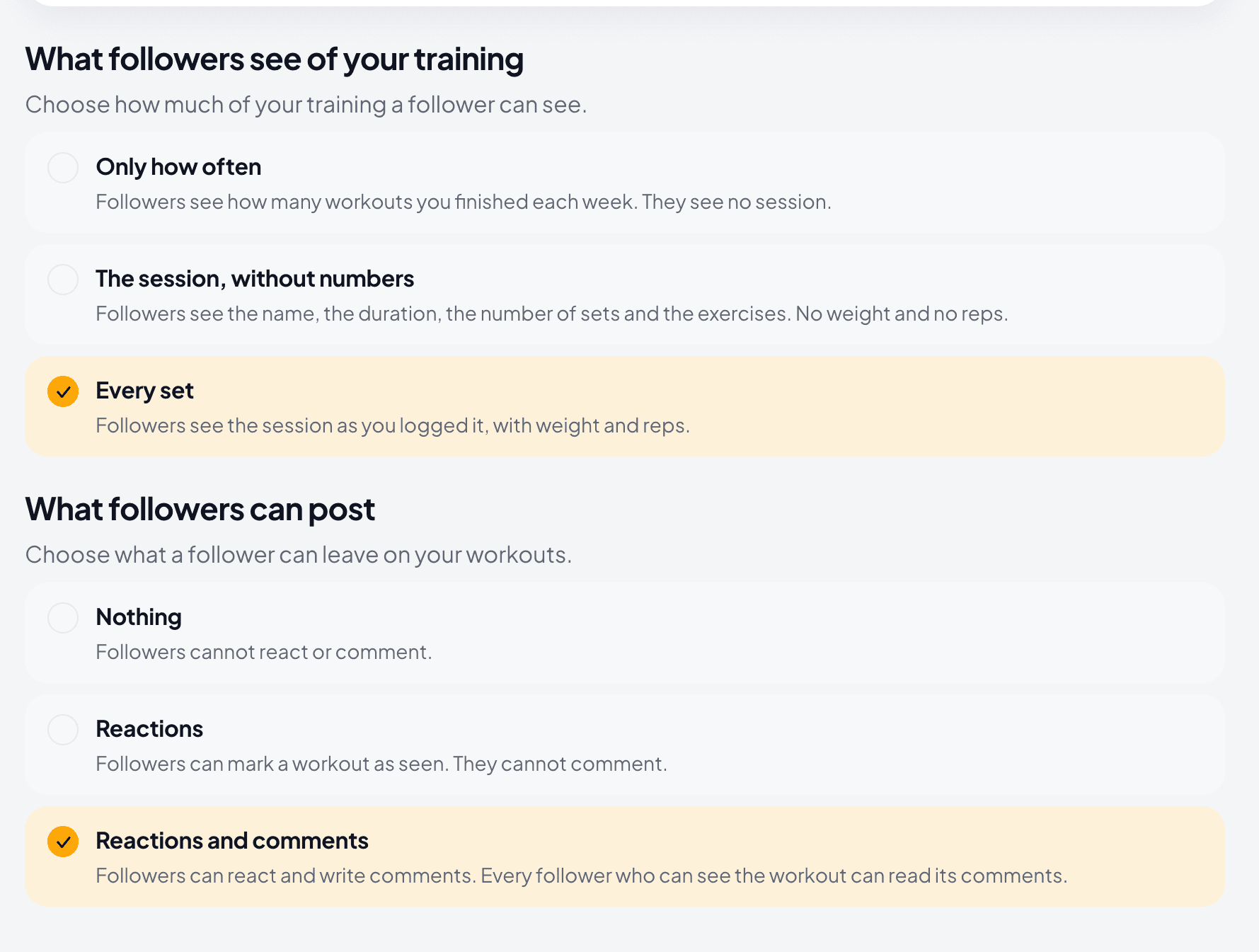
You choose what a follower sees of your training: only how many workouts you finished each week, each session without weight and reps, or every set as you logged it.
Athletes you follow
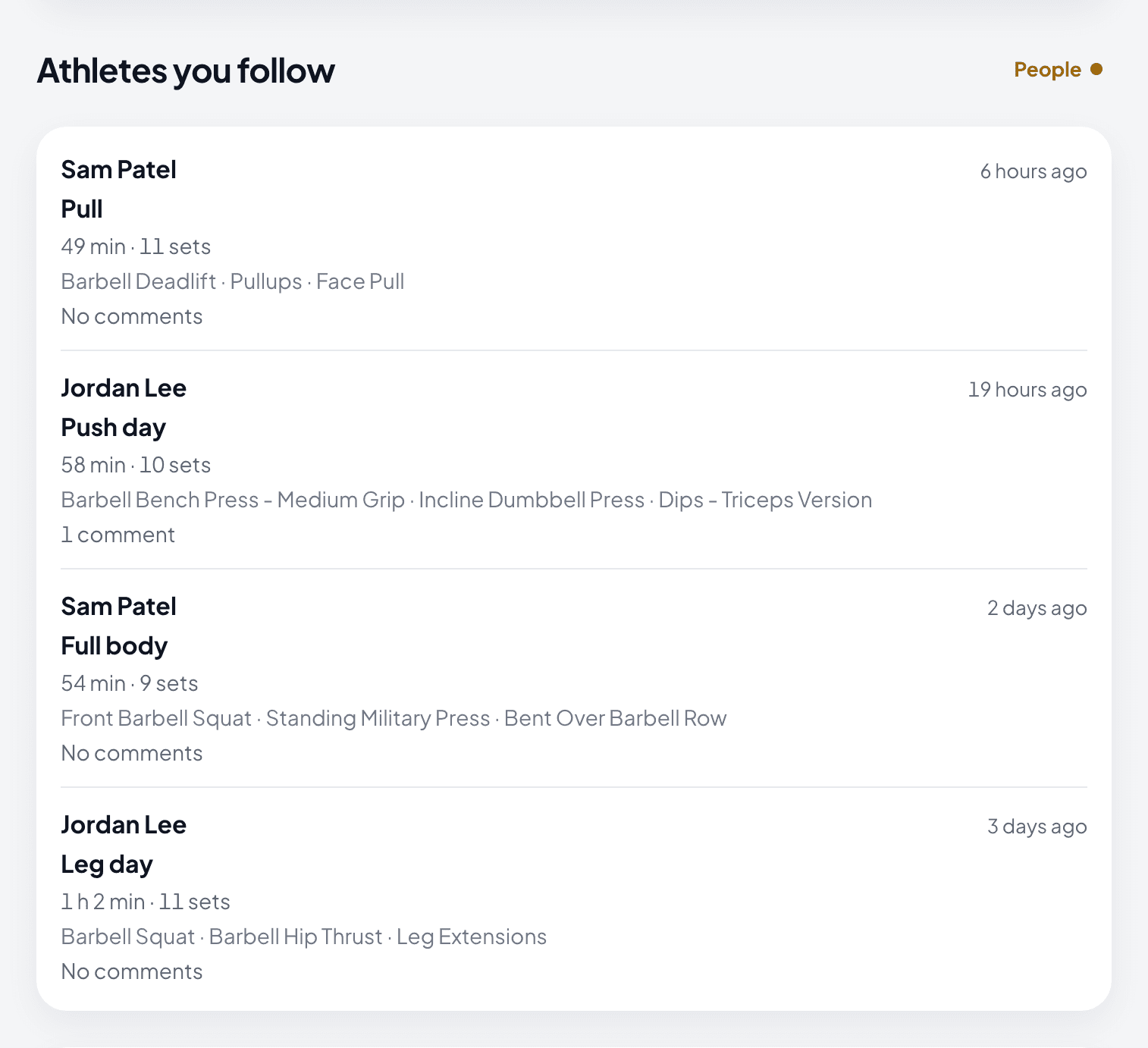
Your home screen lists the finished workouts that the athletes you follow share, newest first. The list ranks nobody and recommends no athlete.
Reactions
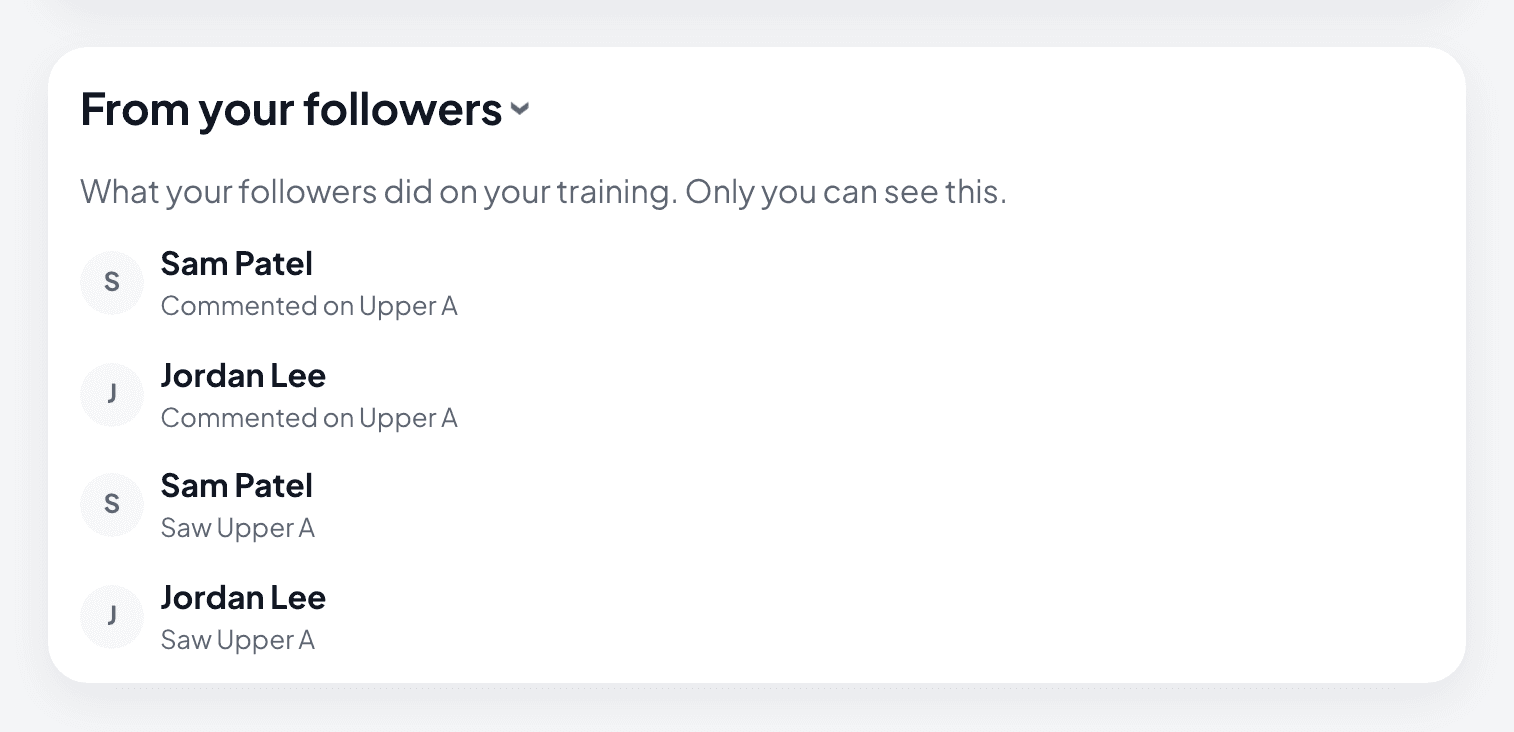
A follower can mark your workout as seen, or your week when you share only how often you train. There is one kind of reaction, and it gives no score. Only you see who reacted.
Comments
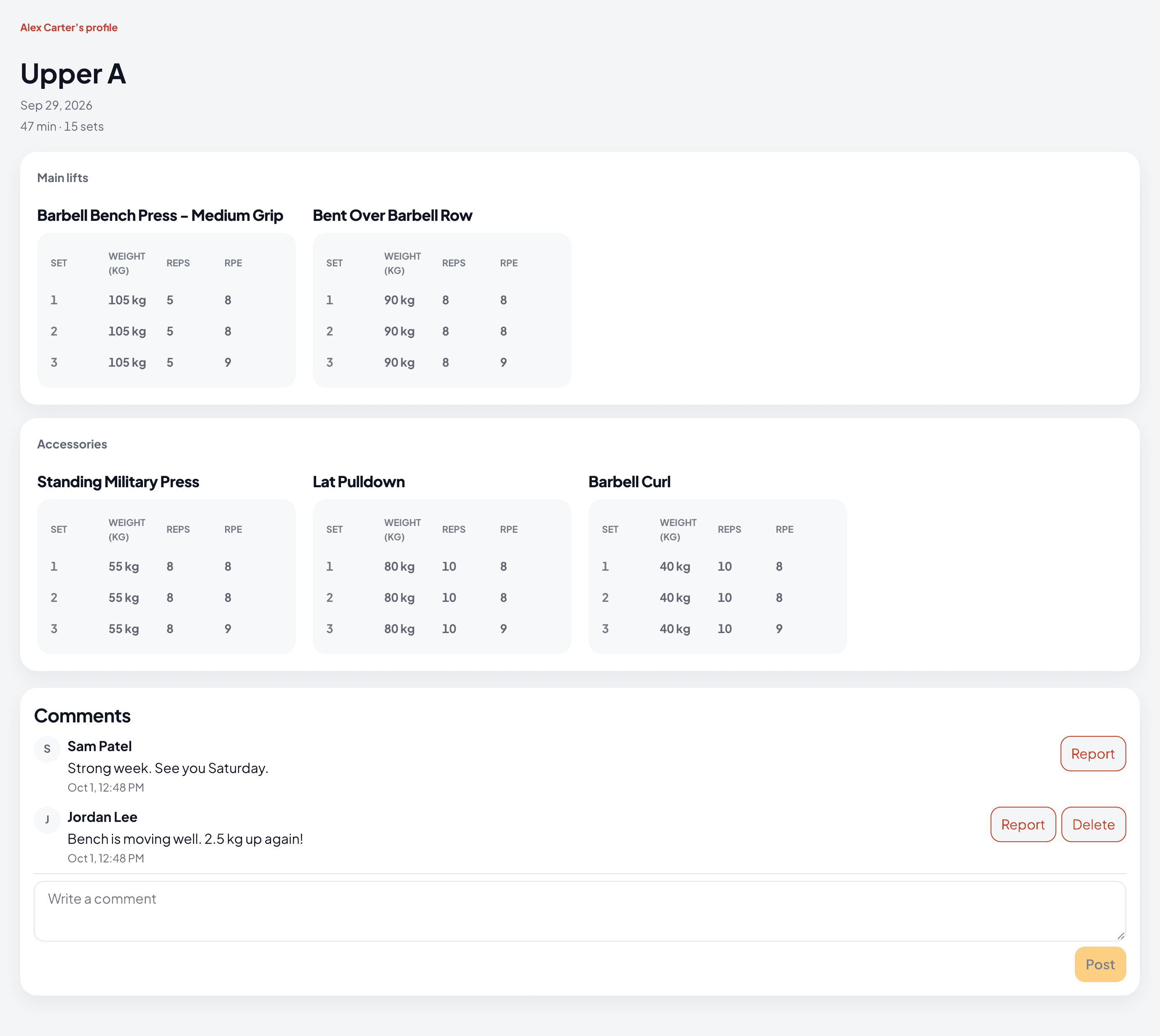
A follower can write a comment under your workout. Every follower who can see that workout can read it. You can delete any comment on your workouts.
You choose what followers can leave: nothing, reactions, or reactions and comments.
People
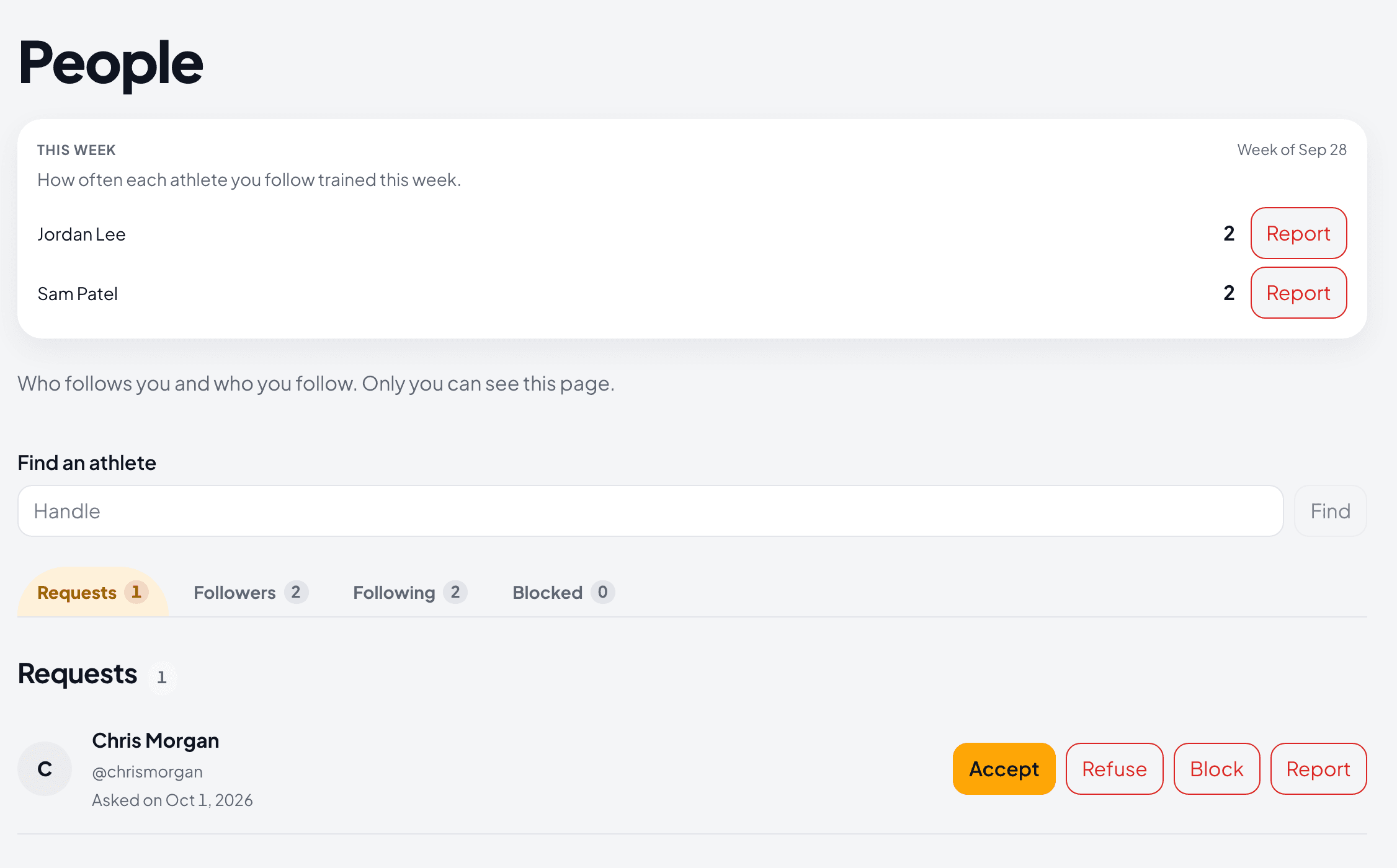
One page that only you can see. Its tabs are Requests, Followers, Following and Blocked. At the top, this week’s count shows how often each athlete you follow trained.
From each row you can accept or refuse a request, remove a follower, unfollow, block or report.
A public page for one workout
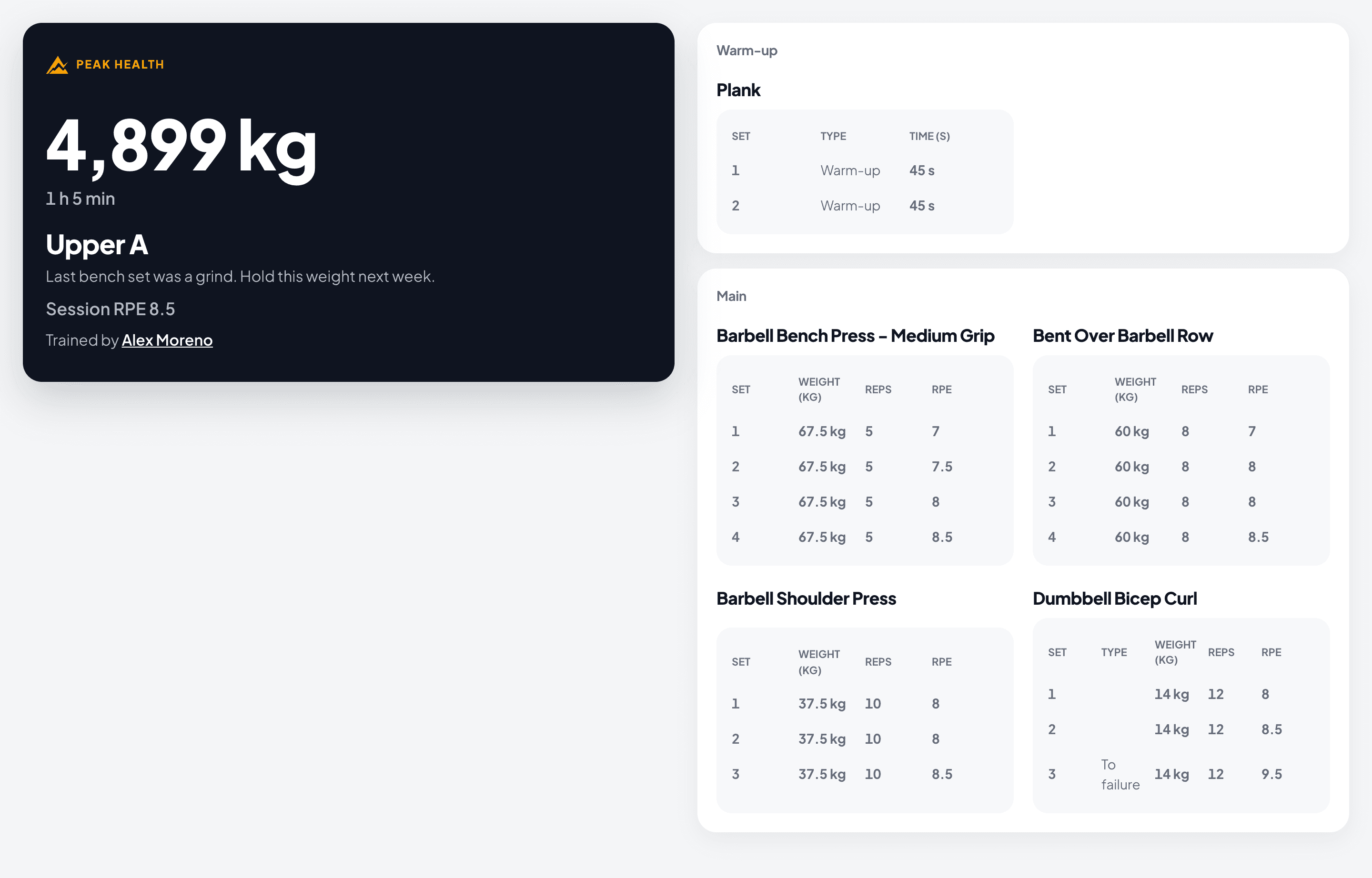
With your public profile on, a workout you send to Strava as public gets its own page, and Strava gets its link. Anybody with the link can read it, set by set. The page shows your name and links to your profile. Beside each lift, it shows the change from your last session: how much more weight or reps you did, or that you matched it.
Try it against your own training.
Free to start, on the web and on your phone.