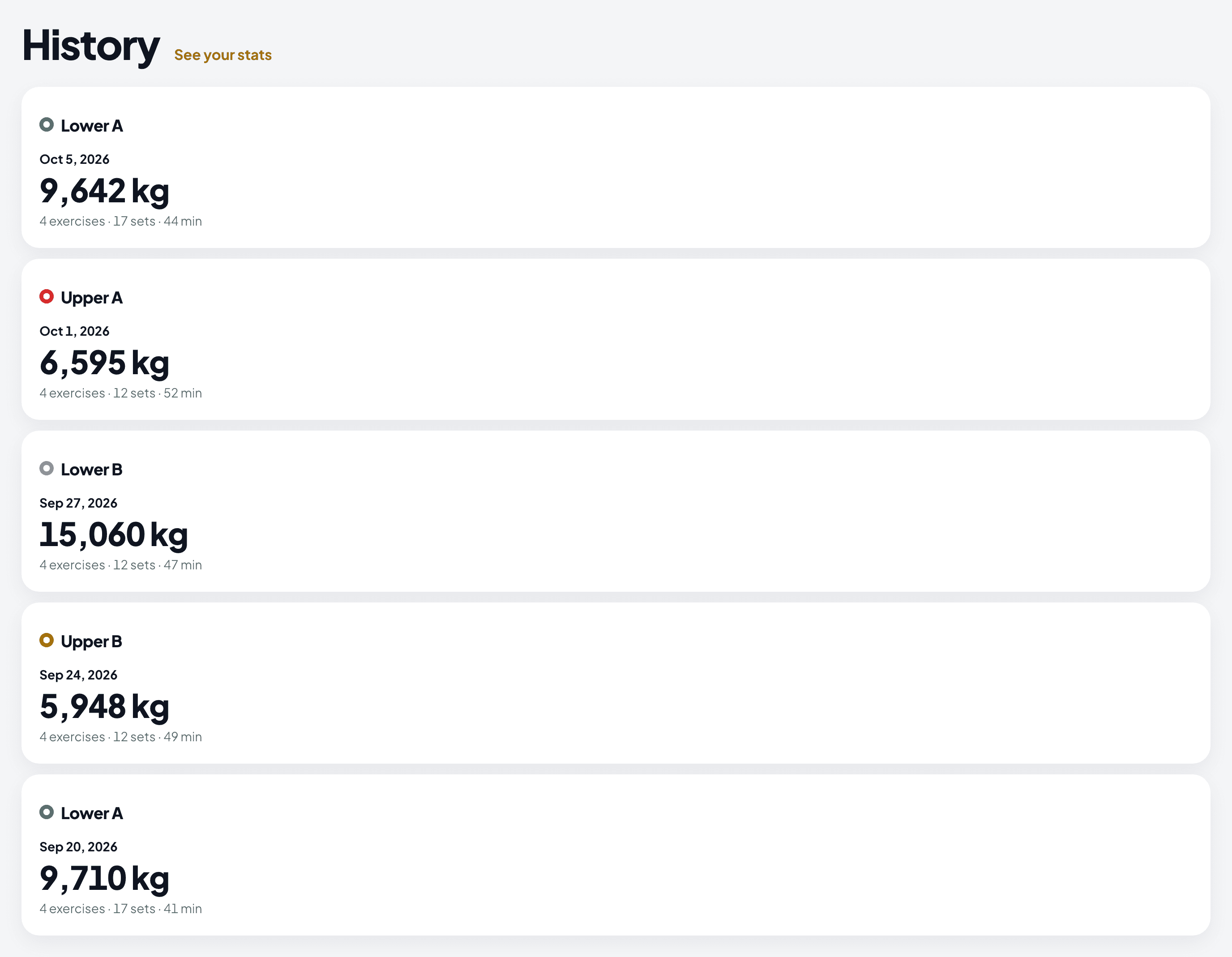
The precise logger
You plan next week from exact numbers, so last week’s second set stays 6 reps at 82.5 kg.
Strength, in full detail.
Log each workout the way you trained it. Warm-up, main work and cool-down stay in their own sections. You log left and right apart. The rest timer starts on its own after each set. Every set takes an effort score (RPE): an 8 means you had two reps left. Your history is the same on the web and on your phone.
Free to start. No credit card, no lock-in.
The phone app is in private beta on iOS and Android. Write to info@peakhealth.es for an invite.
You did a warm-up, main work and a cool-down, and the app saved one flat list. You pressed 24 kg on the left and 26 on the right. It saved 25. Your routine said 90 seconds of rest, and you counted in your head. Your last set was an 8 RPE, with two reps in reserve, and the app had no place to write it.
Warm-up, main work and cool-down mixed into one list
Left and right saved as one number
No place to log how hard each set felt
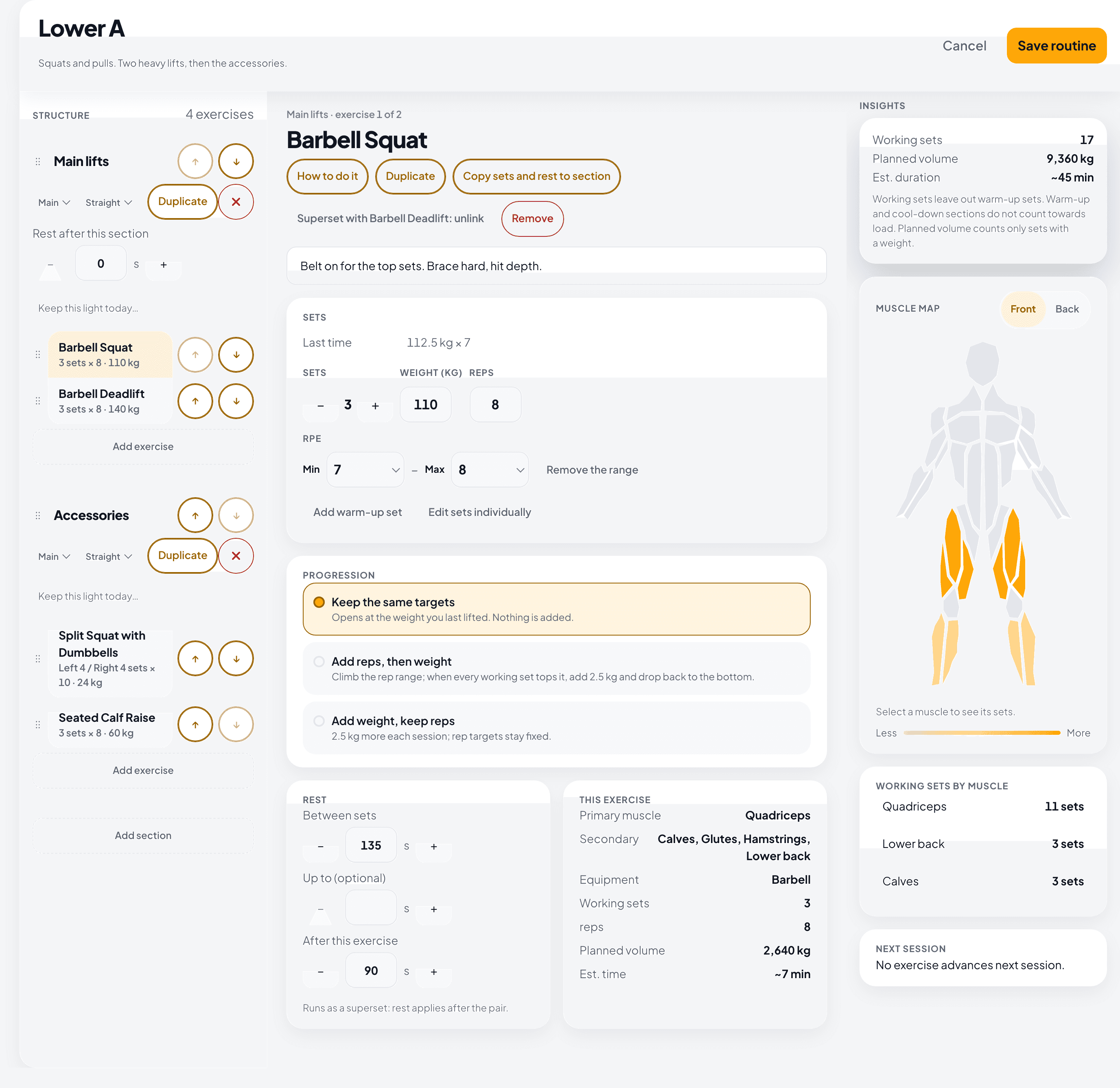
Sections for warm-up, main work and cool-down, with the names you choose. Targets in reps or seconds, prescribed rest, and a progression that raises the target when you reach it.
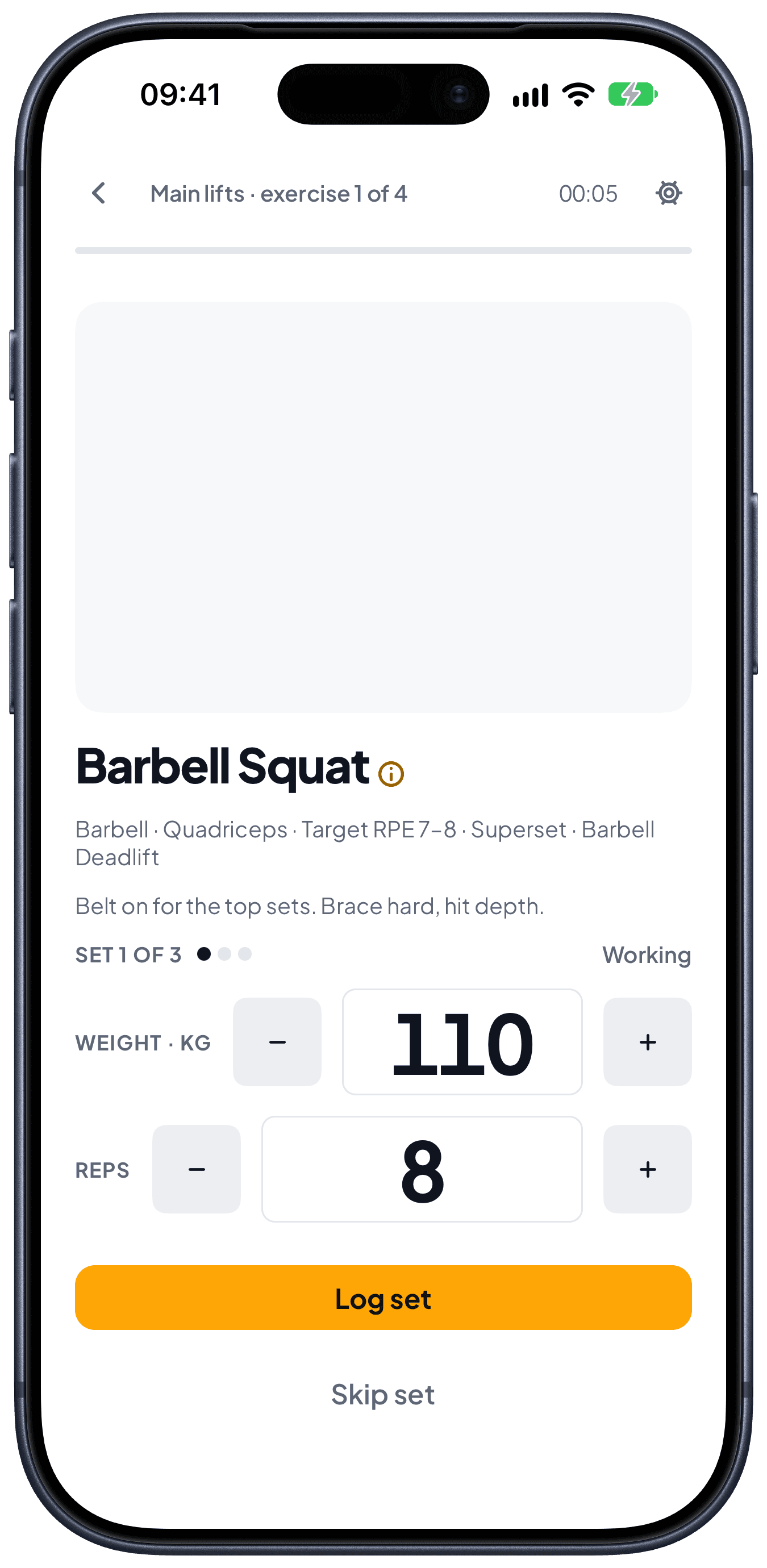
Weight, reps and effort for your current set, with your last result next to the target.
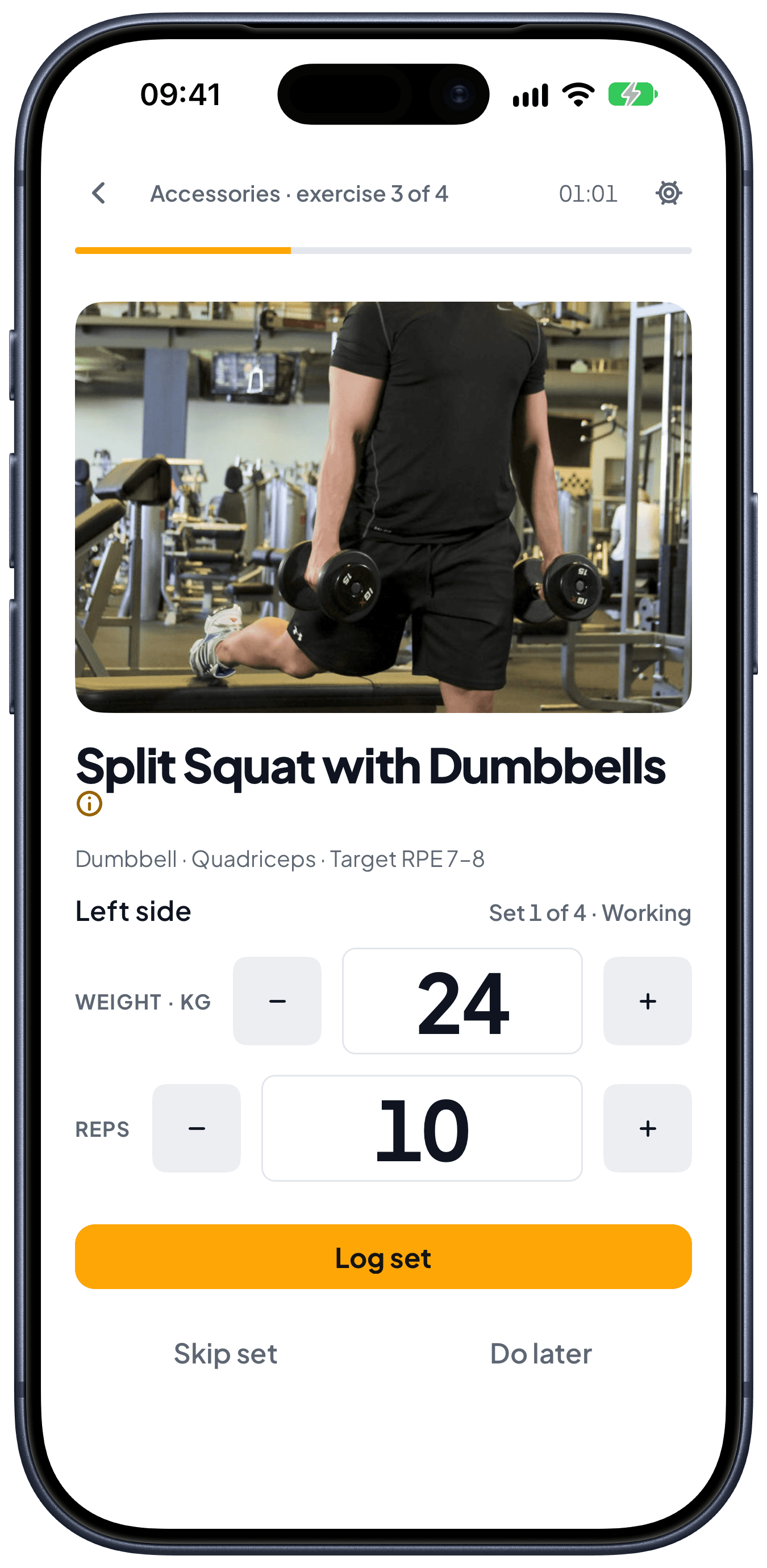
You plan, log and progress unilateral work per side, so 24 kg on the left and 26 kg on the right stay 24 and 26.
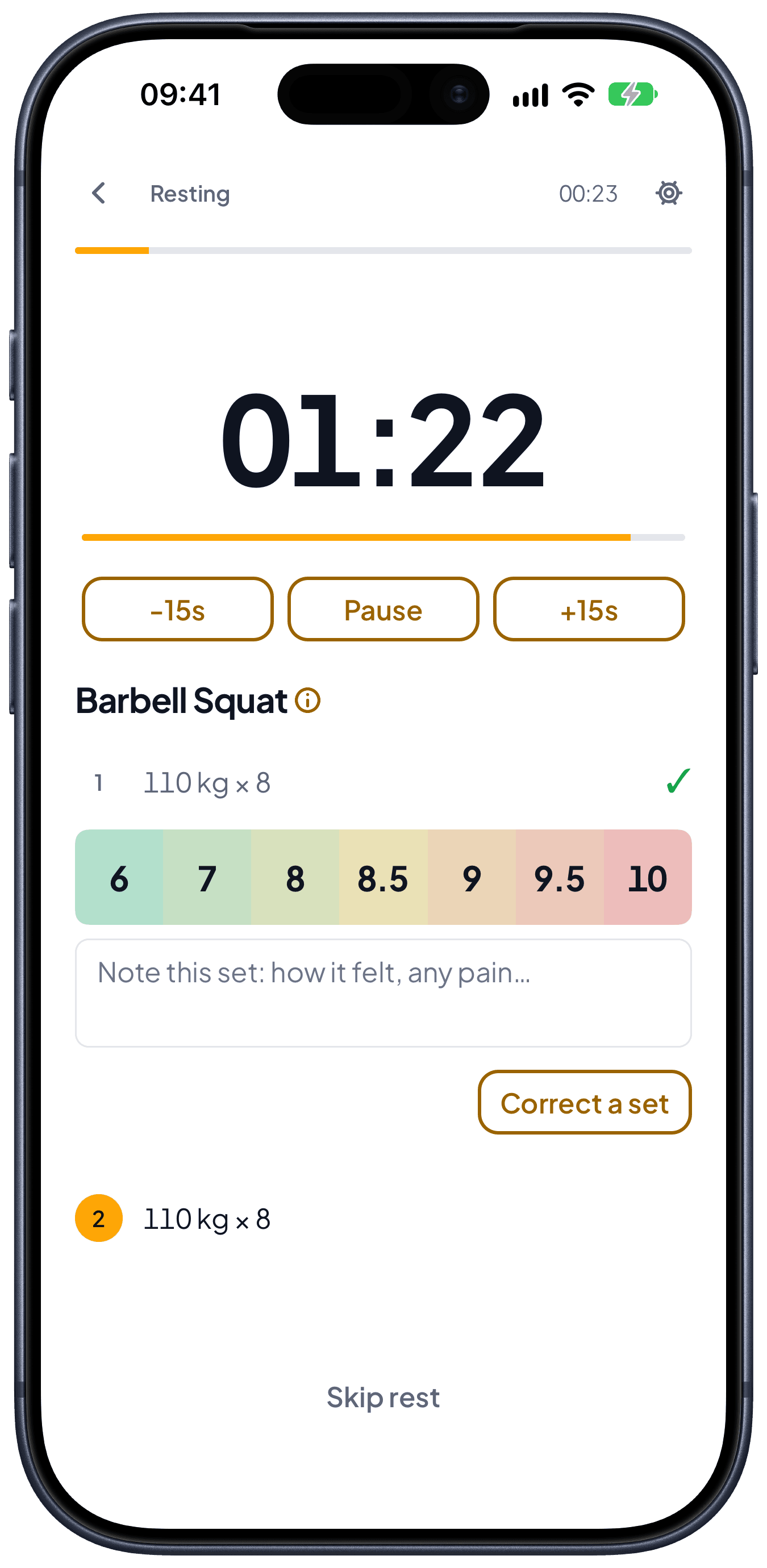
The rest timer starts when you log a set, and the next set is already on the screen.
Weight, reps, time, rest, effort and notes, saved in a history you can plan your next session from.
Each exercise lists the muscles it works, directly and indirectly. The dashboard adds up your sets for the week, so you see that squat day also trained your glutes before you plan the next session.
Direct and indirect sets, split apart for every muscle.
Counts this week only, and updates each time you log a set.
Open a muscle to see its load, reps and time.
Open the full breakdown from the dashboard. On the phone, see the sets per muscle of a routine while you build it.
Peak Health keeps warm-up, main work and cool-down apart, tracks each side, starts the rest timer for you and takes RPE on every set. Today it covers strength training.
Warm-up, main work and cool-down, with the names you choose. Targets in reps or seconds, a note on each section to say what it is for, and warm-up sets that do not count toward your working volume.
Plan, log and progress left and right on their own. 24 kg on one side and 26 kg on the other stay as you lifted them.
The rest timer starts when you log a set. You can plan a range, such as 90 to 120 seconds, instead of one exact number.
When you finish, log the session RPE and add a note while you still remember it. Peak Health tells you if that RPE was higher or lower than usual for the routine. You can also add a note to a single set.
While you train, you see your volume so far. Next to it is your volume at the same point of your last workout of this routine.
Log 200 kg when your recent best is 100, and Peak Health asks you to confirm before it saves. A typo does not become your record.
The rack is taken. Swap the exercise in the middle of the workout and keep going. The sets you already logged stay as they are.
You typed 80 and you lifted 90. Open the finished workout and correct that set, so the record says what happened.
Search “squat” or “sentadilla” and you find the same exercise.
When you add an exercise to main work, the list starts with what you trained this month. Next come the compound lifts that the session is missing. The full catalogue follows in alphabetical order.
Weight, reps, time, rest, effort and notes, with volume and an estimated 1RM to plan your next session.
Save the bars and plates you have. Every barbell or plate-loaded set then shows the plates for each side, using only what you own.
Connect either one. Import a Hevy file to bring in your past workouts, and send a workout you finish here to Strava or Hevy.
One JSON file with your account, your routines, your drafts and your workout history, from Settings, whenever you want it. The file is yours to keep, and Peak Health does not read it back in.
Claude and ChatGPT can write routines into Peak Health through its MCP server. Connect the assistant you use and ask it for a routine. You see the routine on the web and on your phone.
You plan the next session from the last one, so the log has to match what you did.
You plan next week from exact numbers, so last week’s second set stays 6 reps at 82.5 kg.
You already know how to train. You need targets that go up when you reach them, and a log that keeps the sections you planned.
You plan on a laptop, log on your phone and look back weeks later. Each device shows the same history.
Posts about strength training and the product decisions behind Peak Health.
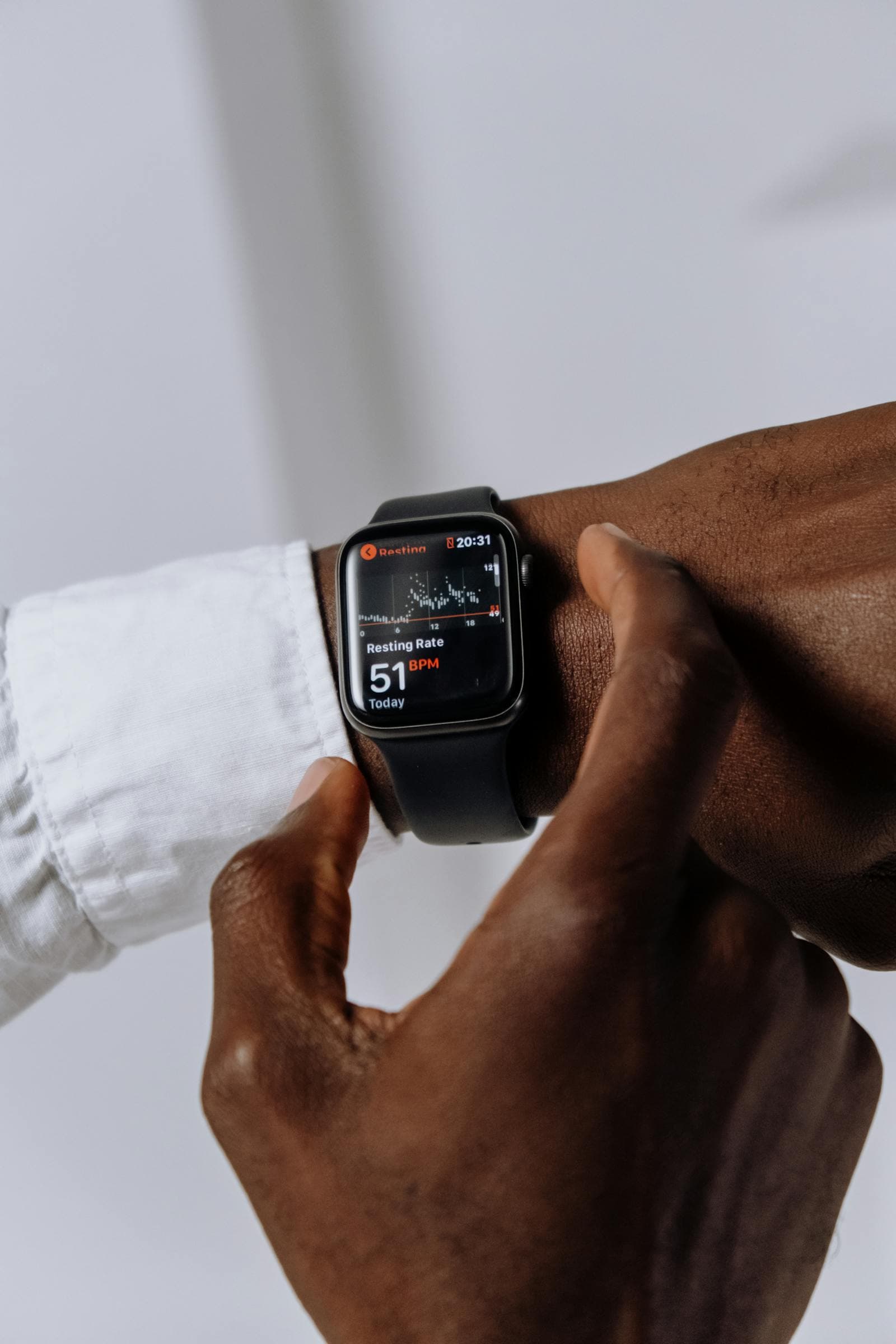 HRV isn't a readiness score. It's a question.Wearables distill heart rate variability into a traffic-light number. That's not what it is. HRV is a noisy signal that asks you questions — and the answer depends on knowing yourself.
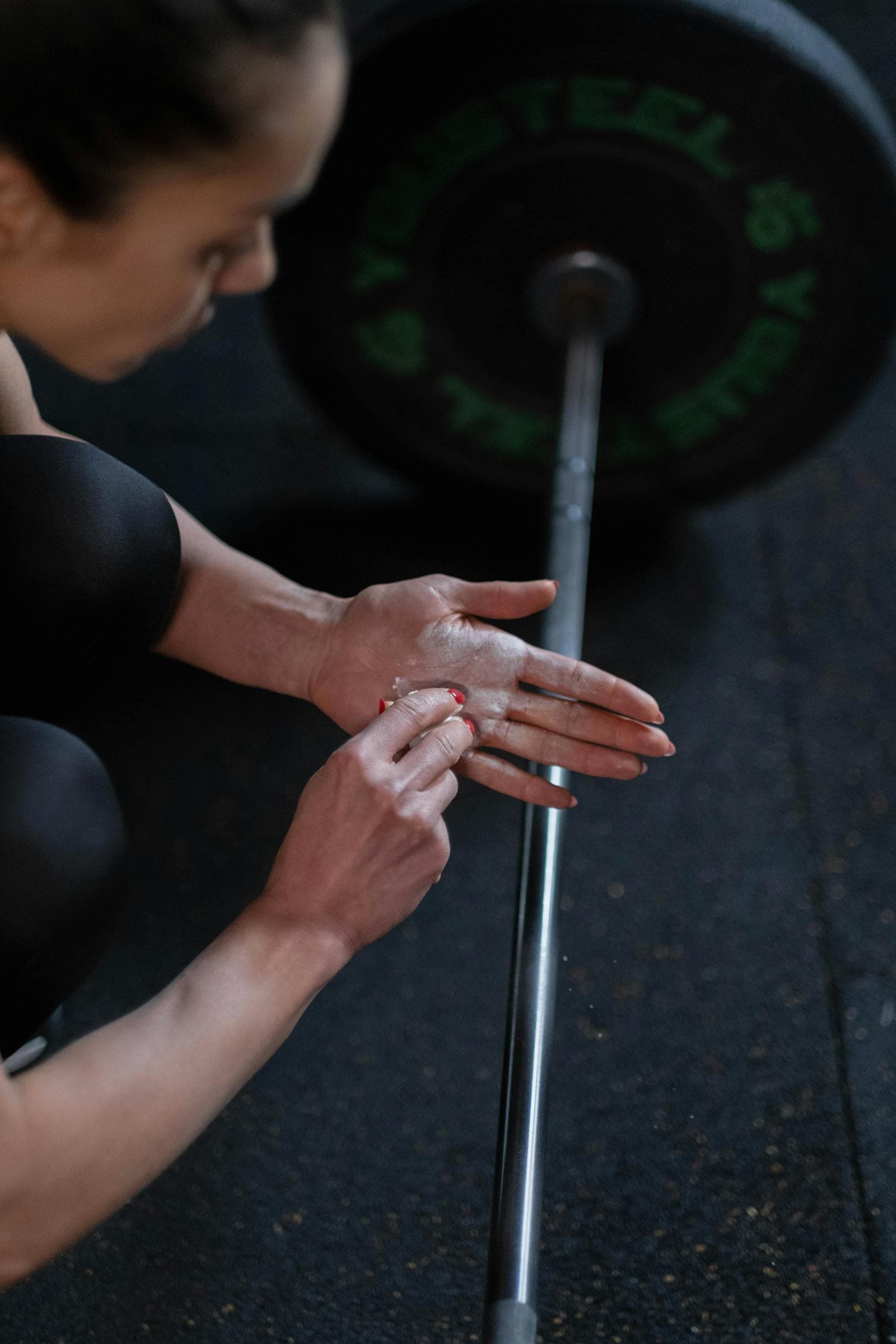 RIR beats 1RM percentages for real-world liftingPercentage-based strength programs assume a stable 1RM. Your 1RM isn't stable — it moves every week with sleep, stress, and accumulated fatigue. RIR auto-regulates to what you actually have today.
Free to start, on the web and on your phone.
No credit card. No lock-in.