Routines and workouts
Build the routine, then train it.
Build a routine on the web or on the phone. Train it on the phone, set by set, with your last workout of that routine next to you.
Warm-up ramp
Add warm-up set fills the warm-up sets of an exercise from your warm-up ramp: each set is a percent of the working weight, with its own reps. You set the ramp in Settings. A set lighter than the empty bar is not added.
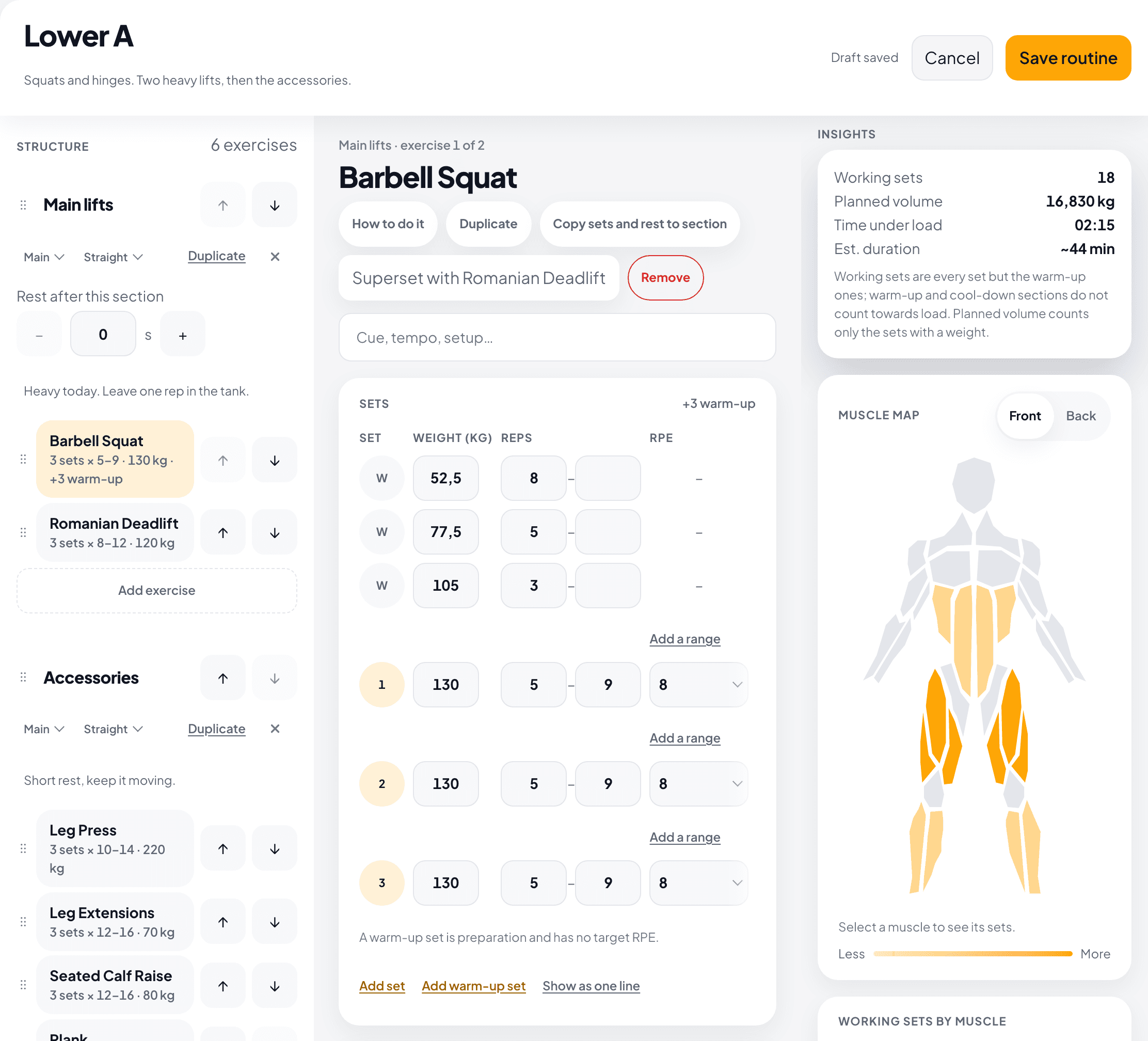
Copy sets and rest to section
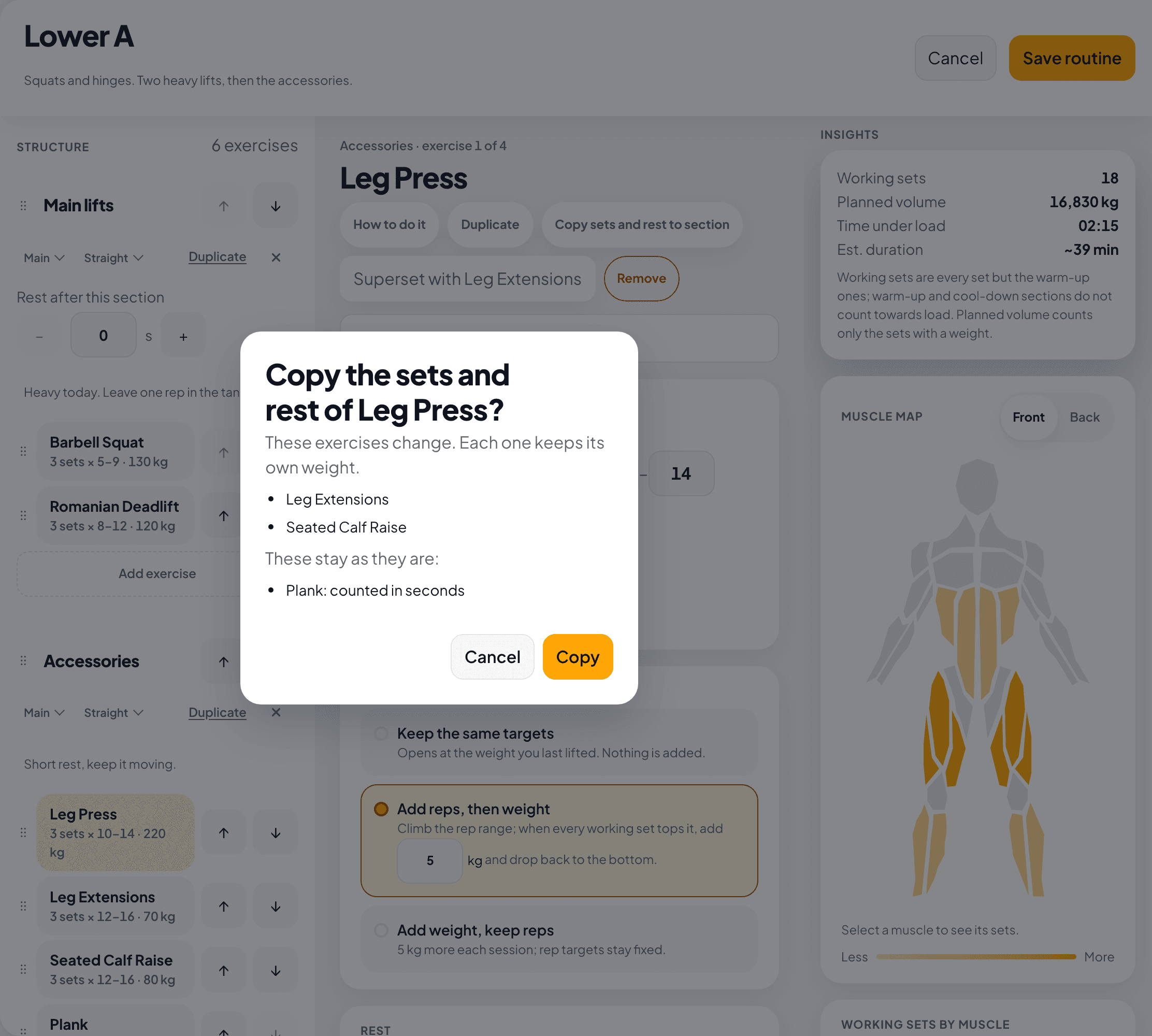
Plan the sets and the rest of one exercise, then copy them to the other exercises of its section. Each exercise keeps its own weight. Before you copy, you see which exercises change and which stay as they are.
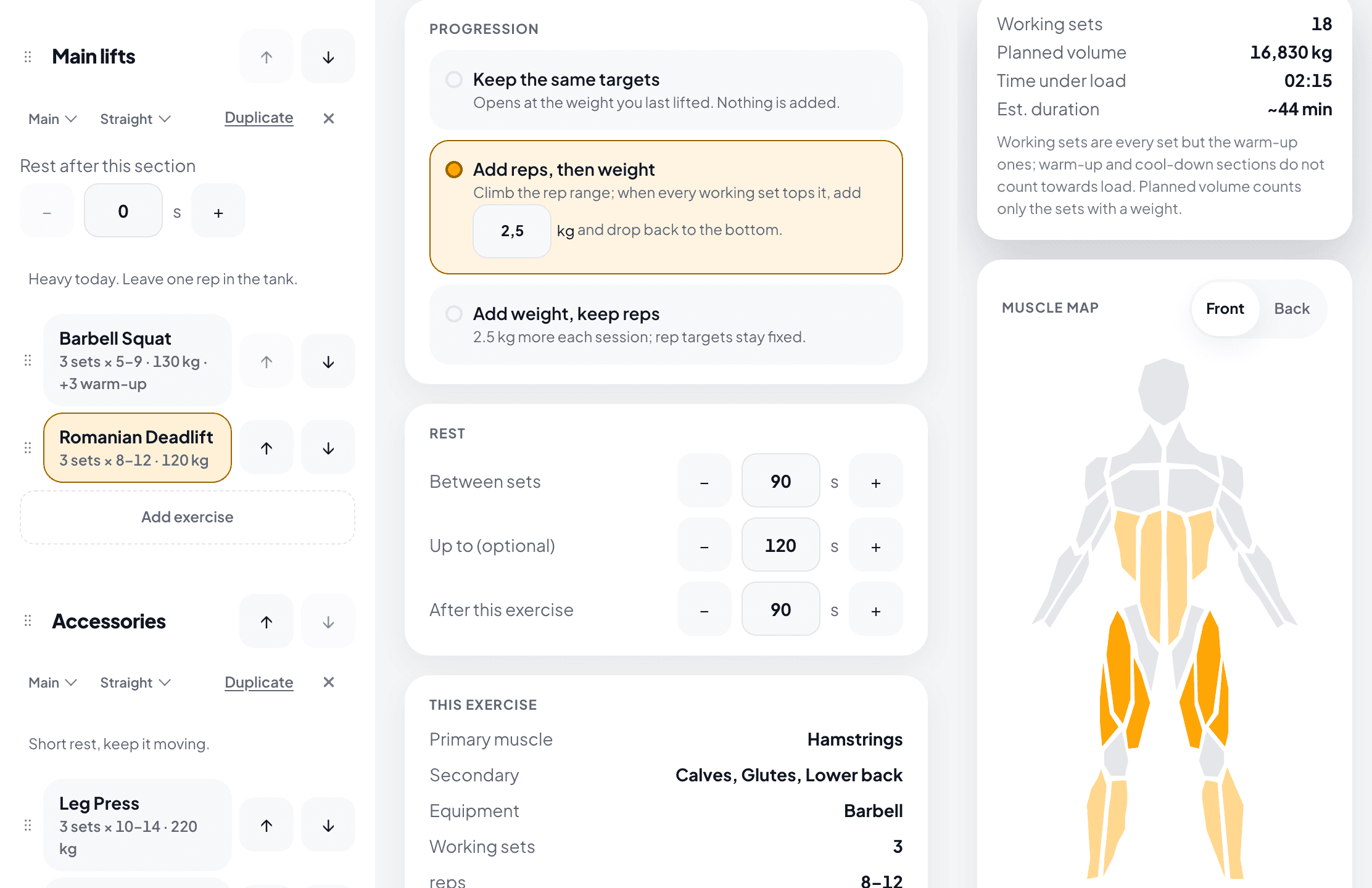
A rest range
Plan the rest after a set as one number or as a range, such as 90 to 120 seconds. During the rest, press Correct a set to fix the reps or the weight of the set you just did.
Section notes and set notes
Give each section a note that says what it is for, such as “Keep this light today”. While you train, add a note to a single set: how it felt, or any pain.
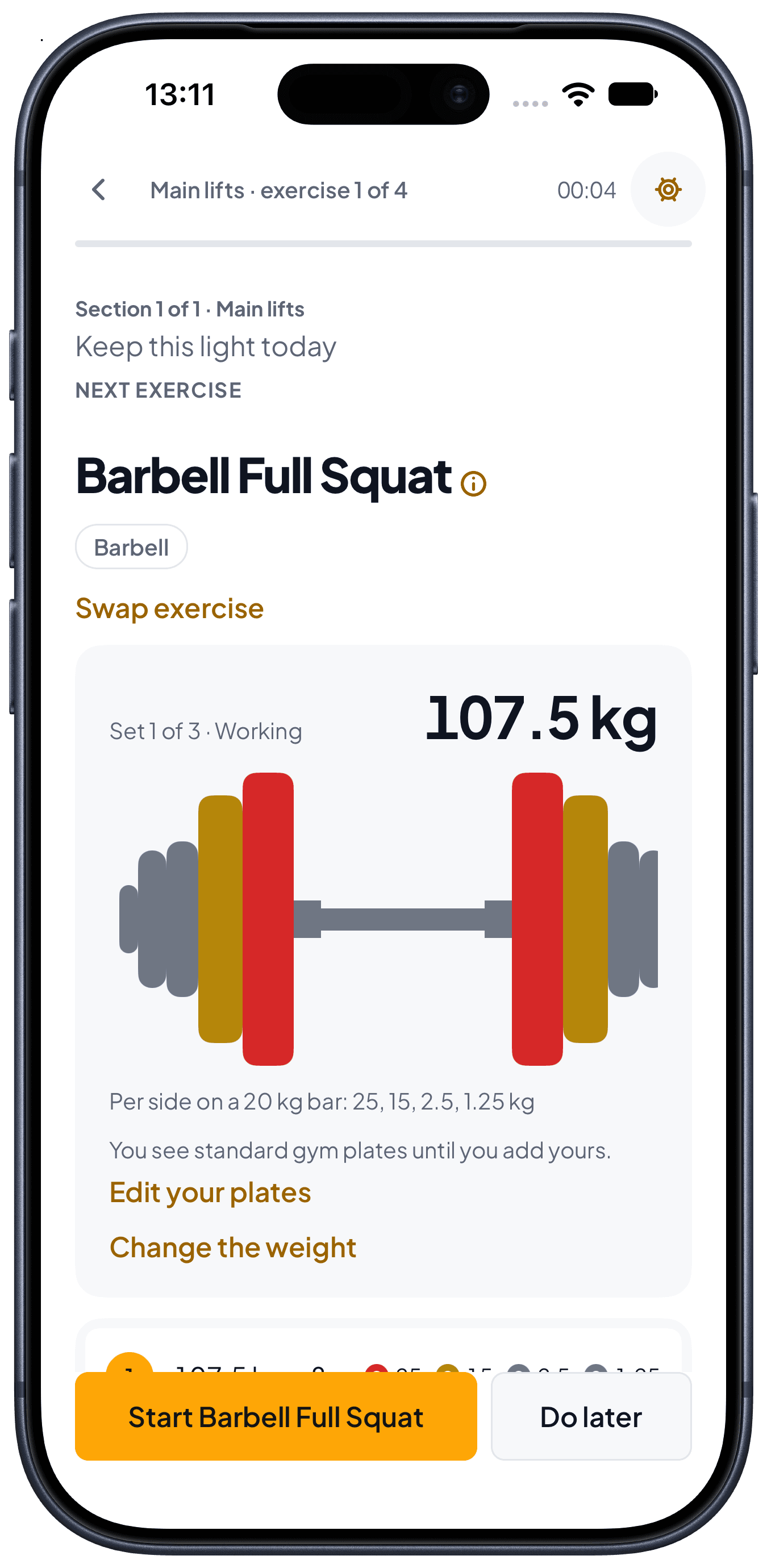
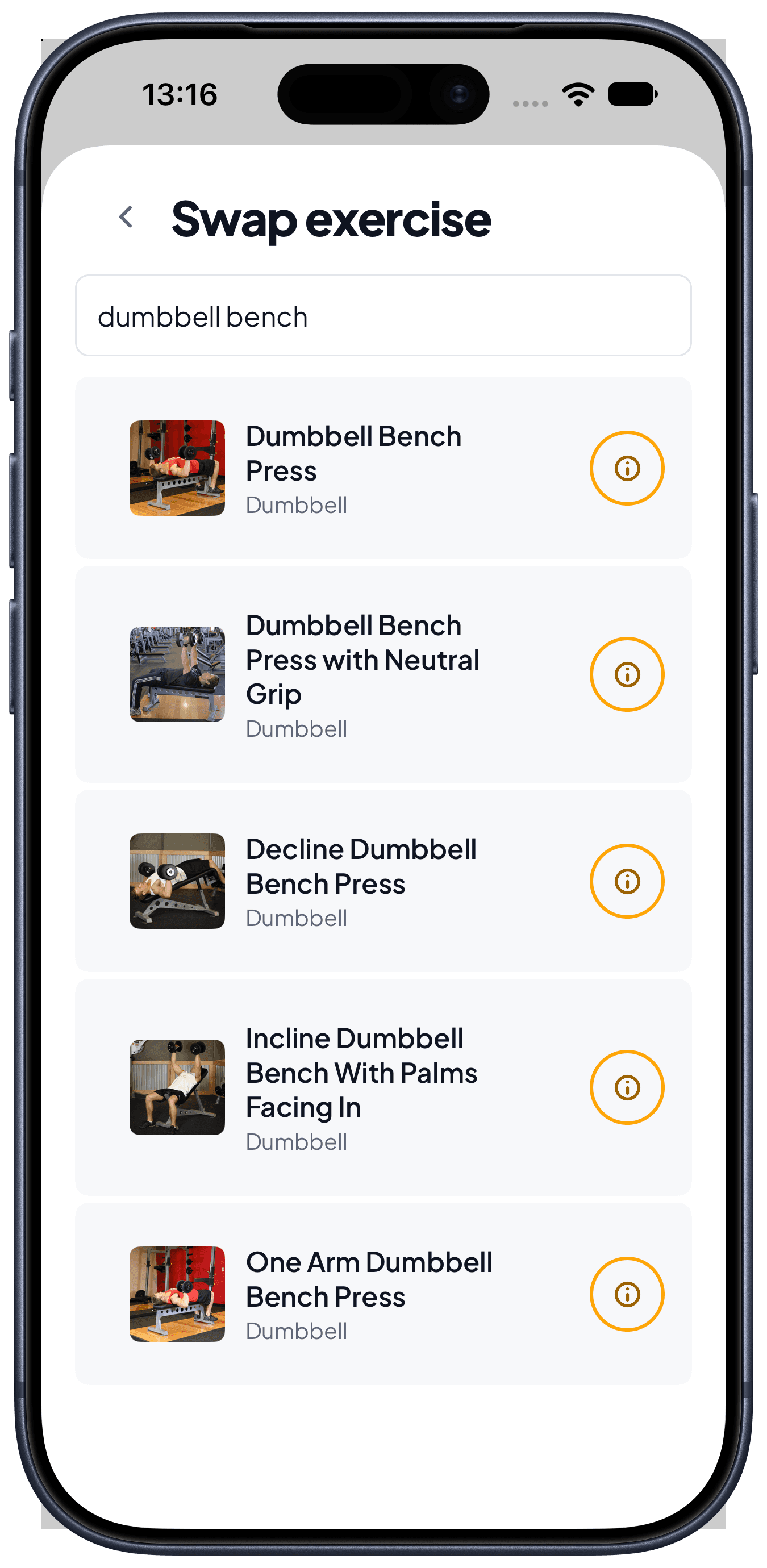
Swap exercise
The rack is taken. Swap the exercise in the middle of the workout and keep going. The sets you already logged stay as they are.
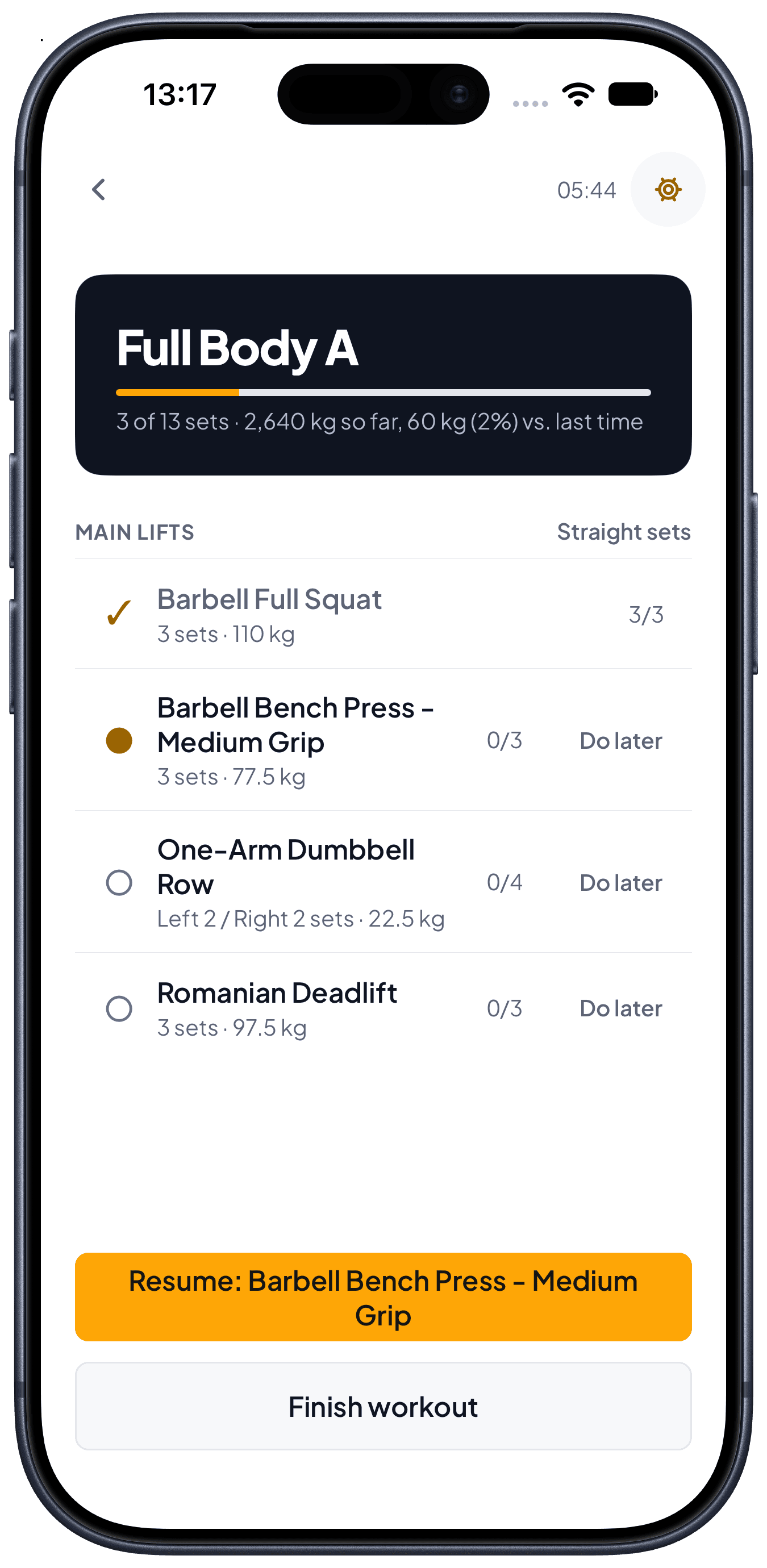
Compare with your last workout
While you train, you see how many sets you completed and your volume so far. Next to it is your volume at the same point of your last workout of this routine.
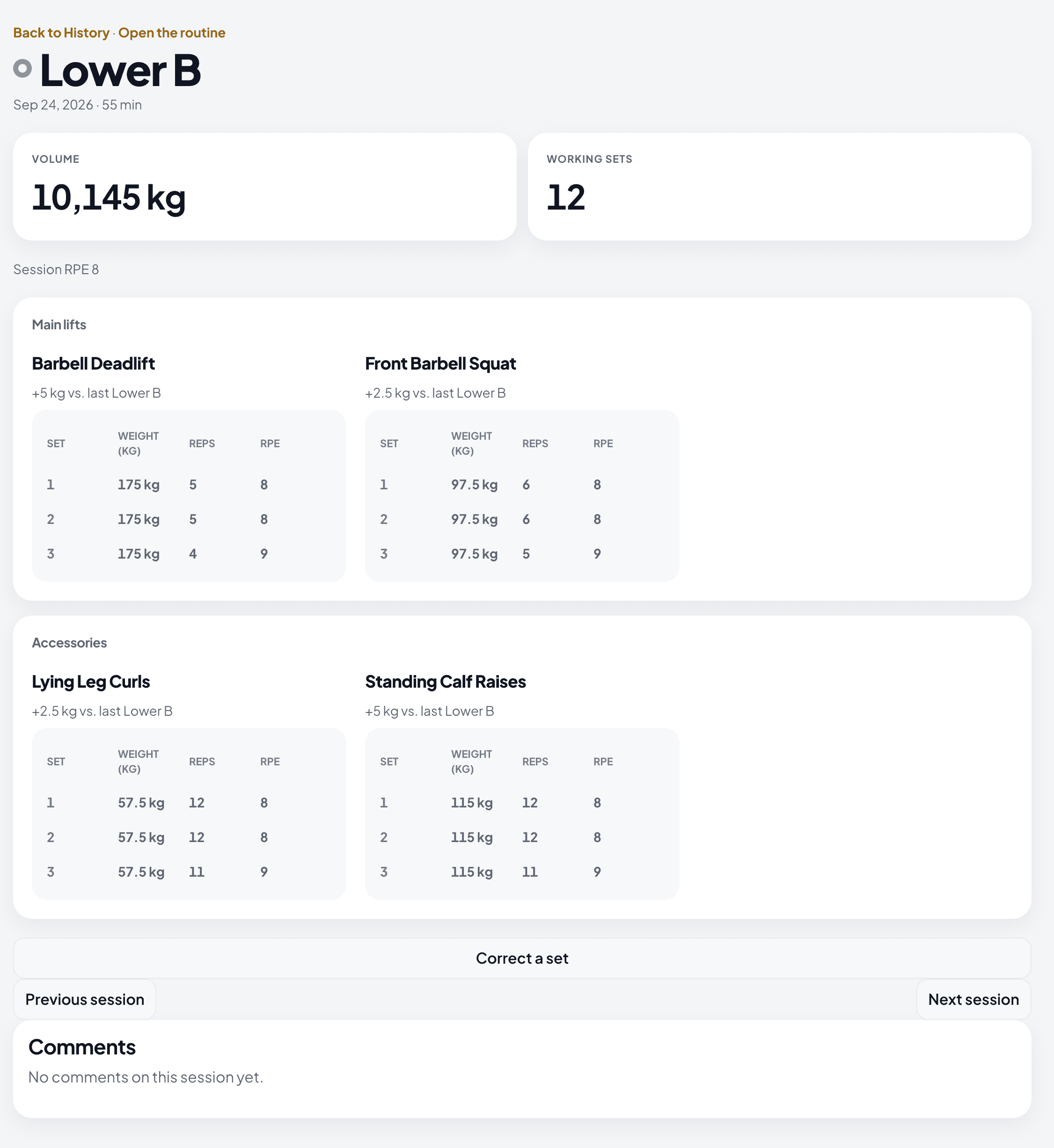
Previous and next session
On the web, a session in History links to the session you trained before it and the one after it. You do not go back to the list.
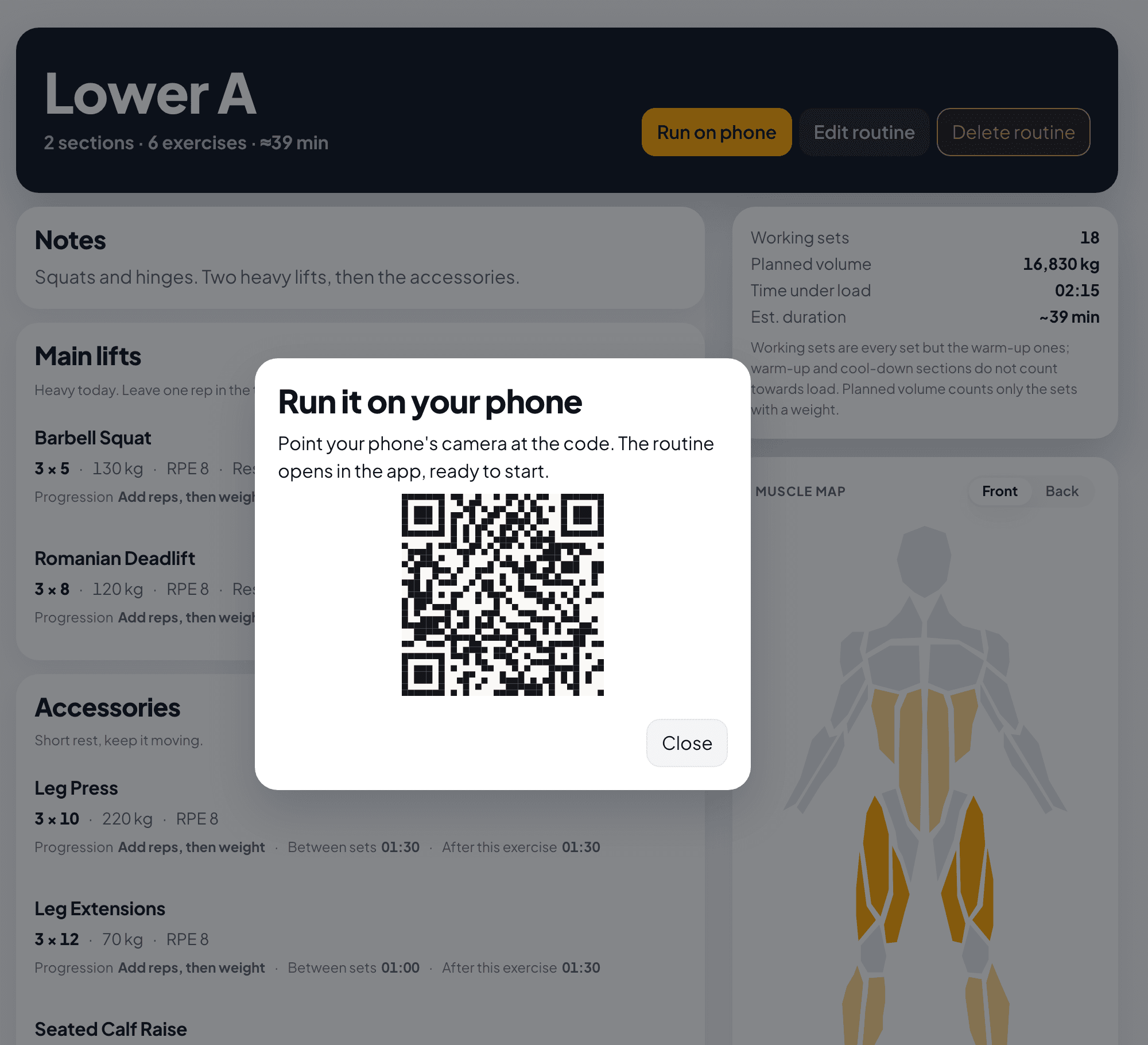
Run it on your phone
A routine on the web shows a code. Point your phone's camera at the code, and the routine opens in the app, ready to start.
Try it against your own training.
Free to start, on the web and on your phone.