Log your sets by voice in the gym
Peak Health logs a set when you say “Peak Health, done”. You don’t unlock the phone or type a number. It works in English and Spanish on iPhone and Android, and it is part of Premium.
What you can say
- “Peak Health, done”
- Logs the set with the weight and reps on the screen, and starts your rest.
- “Peak Health, undo”
- Takes back the set you just logged.
- “Peak Health, 8 reps, 100 kilos”
- Logs what you really lifted when it differs from the plan.
- “Peak Health, start”
- Starts the guide on the screen, such as a breathing guide.
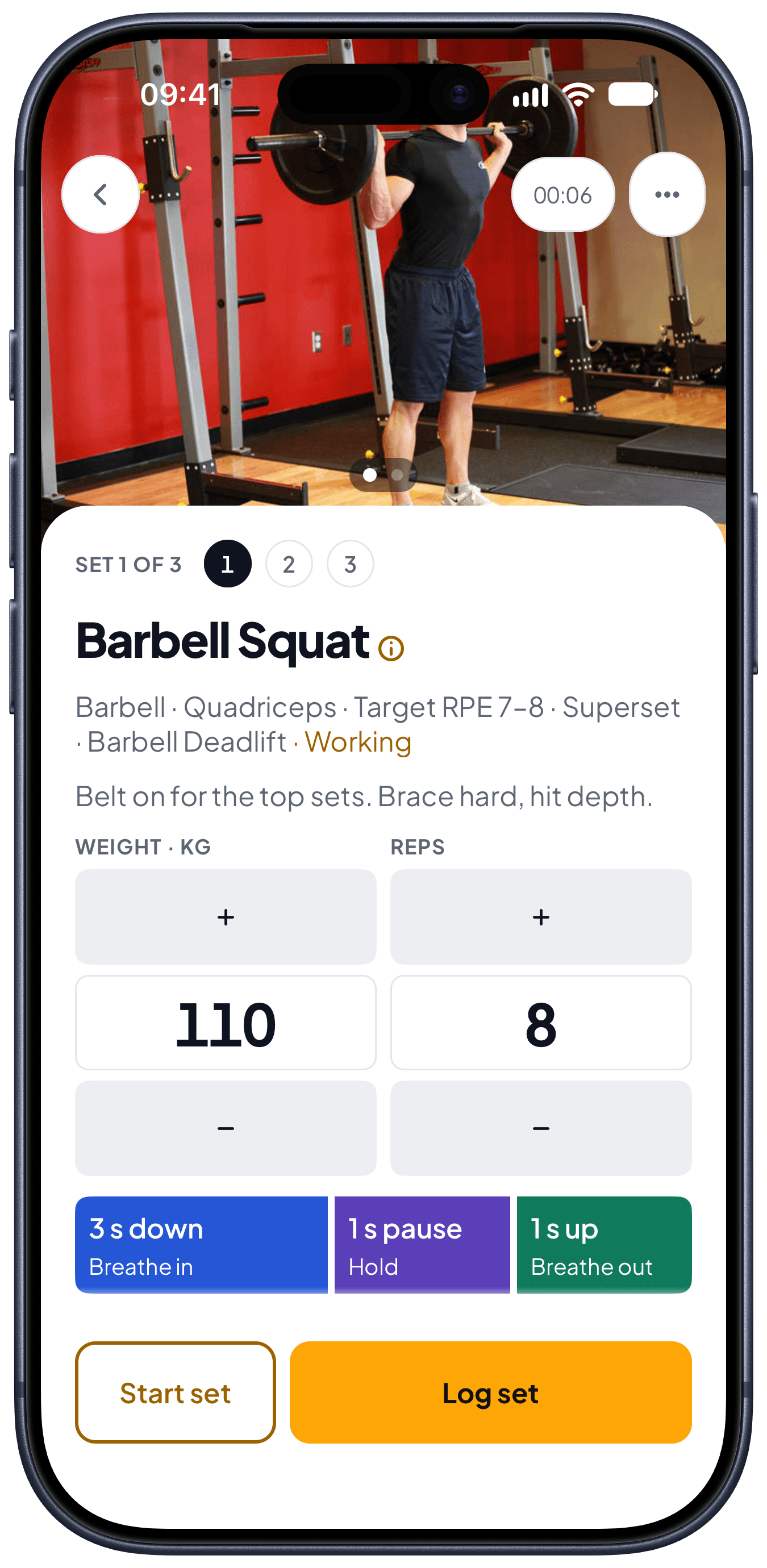
How a set goes
- 1
Finish the set and say “Peak Health, done”. Peak Health repeats the reps and weight back to you.
- 2
The rest timer starts by itself. Your note for the next set is on the screen.
- 3
Beat a record and you see it on that set, not at the end of the session.
Questions about voice logging
- Do I need to touch the phone?
- No. Leave the phone on the bench or the floor. Say “Peak Health, done” after each set.
- Which languages does it understand?
- English and Spanish. In Spanish you say «Peak Health, listo».
- What if it logs the wrong thing?
- Say “Peak Health, undo”, or say the reps and weight you really did. You can also correct any set on the finished workout.
- Is voice logging free?
- Voice commands are part of Premium. Your first month of Premium is free.
Try it against your own training.
Free to start, on the web and on your phone.