Lift. Say done. Peak Health keeps the record.
Peak Health is a strength training log for iPhone, Android and the web. You log a set by voice, the rest timer starts by itself and a personal record shows on the set you beat it. Free to start.

Most apps make you hold the phone.
Most apps: Unlock the phone, type 102.5, tap save
Peak Health: Say “Peak Health, done”
Most apps: Count the rest in your head
Peak Health: Rest starts itself, with your note for the next set
Most apps: Find a record in a chart a week later
Peak Health: See it on the set you beat it
One session, start to finish.
- 1
Plan
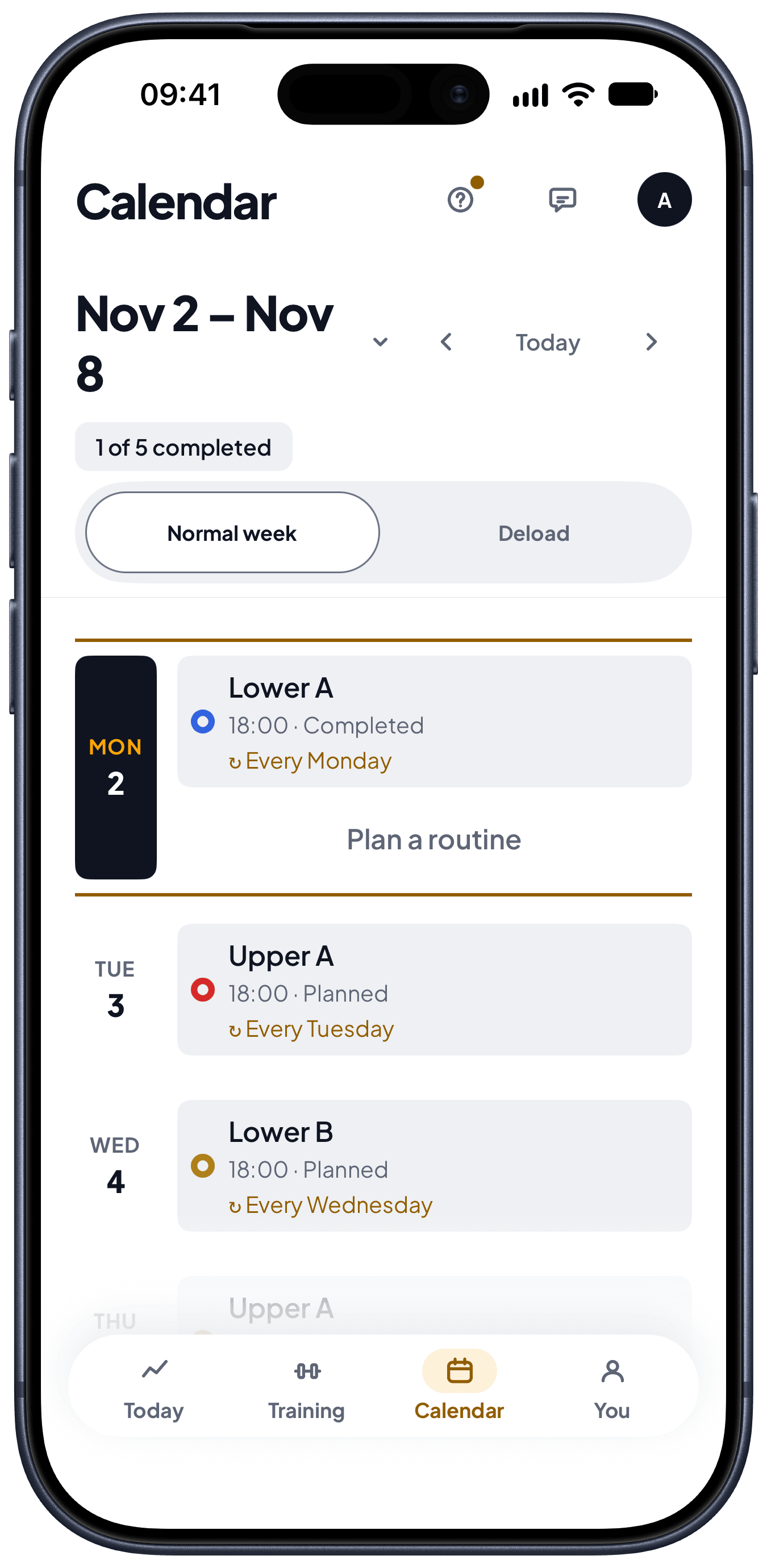
Pick a starter or build your own routine, on the web or on the phone. Put it on your week once and it repeats.
Starters
Ready routines for your goal and the days you have.
Your week
Put each routine on a day. It repeats until you change it.
Your AI assistant
Ask it for a routine, and the routine is in Peak Health.
Deload weeks
When your lifts stall, Peak Health offers a lighter week.
- 2
Train hands-free
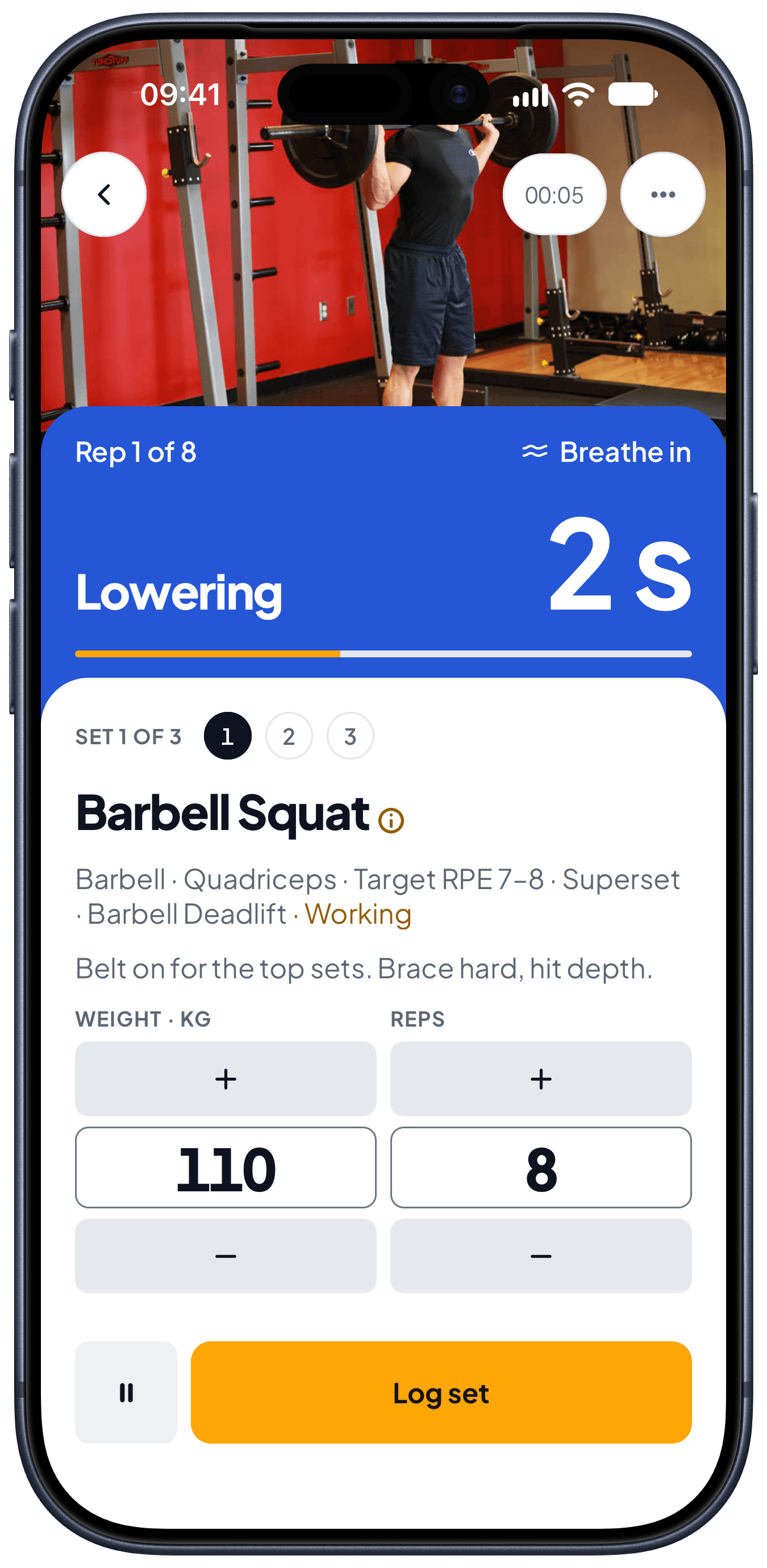
Say “Peak Health, done” and the set is logged, even with the screen locked. Peak Health reads out the next exercise and counts you in.
Voice commands
Log the set without touching the phone.
Spoken briefing
The exercise, the weight and the reps, read out before you start.
Tempo and breath
The phone paces each rep and tells you when to breathe.
Heart rate
Pair a chest strap or a watch and see your heart rate on each set.
- 3
Rest with your notes
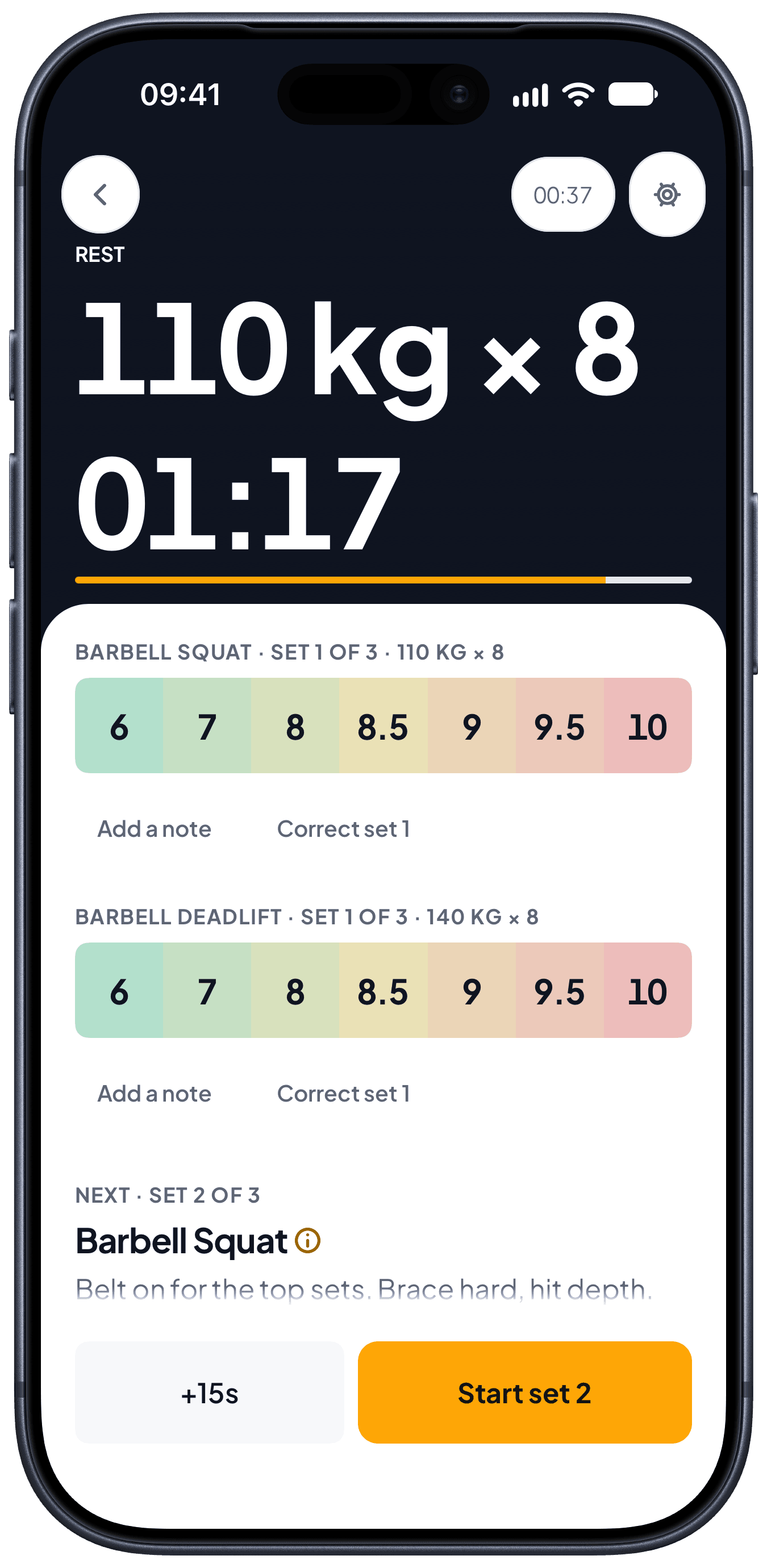
The rest timer starts when you log the set. The note you wrote for the next set is on the screen.
Rest that starts itself
Add or take 15 seconds with one tap.
Your cue before the set
The notes on an exercise show on the rest screen.
Plates for each side
Only the bars and plates you own.
Left and right apart
24 kg on the left and 26 on the right stay 24 and 26.
- 4
See the record
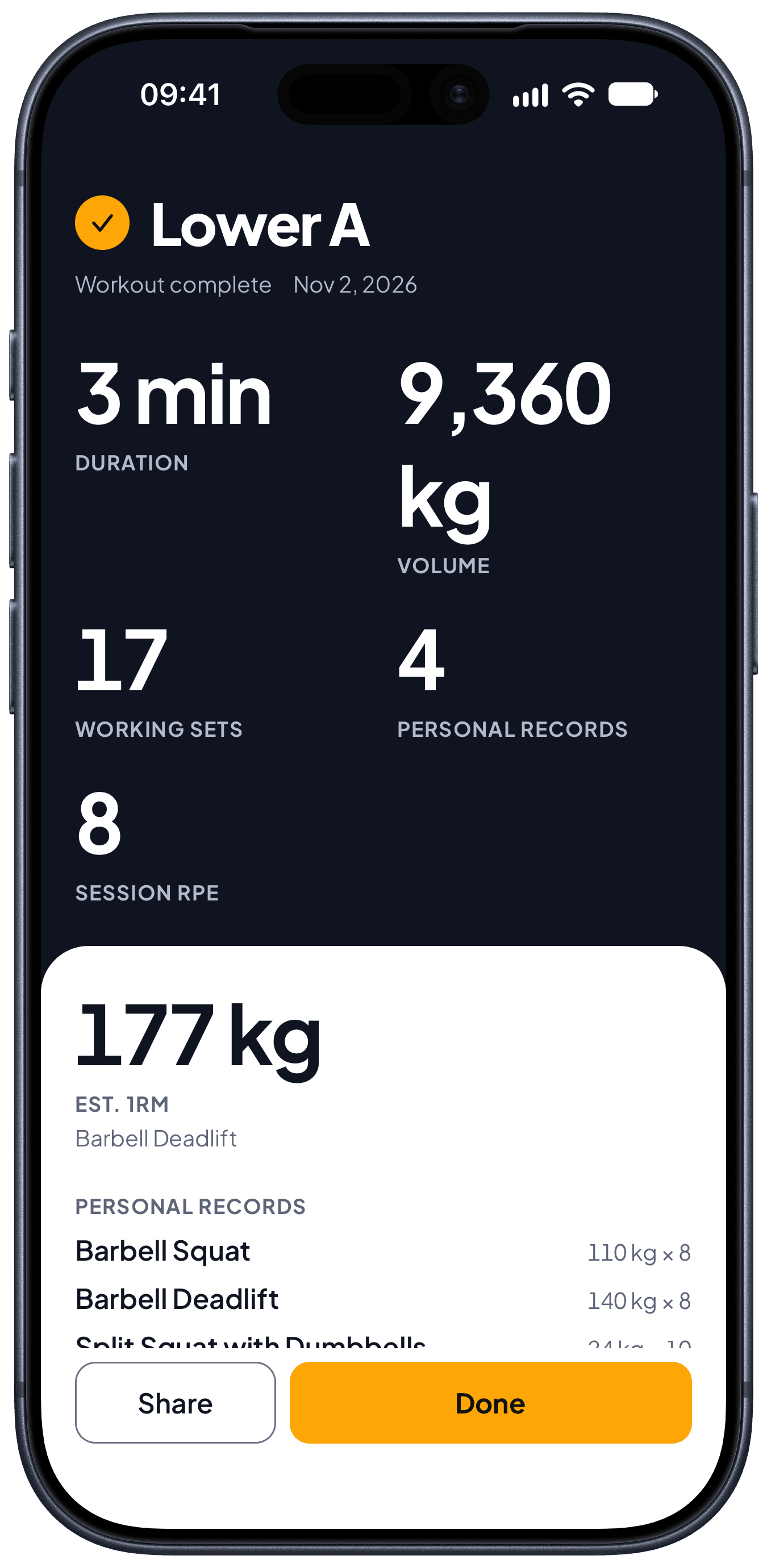
A personal record shows on the set you beat it. The review compares the session with your last one.
Personal records
On the set, the moment you beat one.
The review
Effort, notes and the change from your last session.
Share image
Your workout as an image, with your own photo.
No signal, no problem
The phone keeps the workout and uploads it when you are back online.
Bring your history. Take it with you.
Import your history
Bring in the workouts you logged in another app.
Routines from your AI assistant
Ask your assistant for a routine and train it here.
Take it anywhere
Send each workout on, or download all of it in one file.